What Rose Can Do
The eight skills Rose works with, and when to reach for each one.
Rose has eight skills. You rarely need them all at once — most work moves through three stages, or you can hand Rose the whole hire and she plans it with you.
To see them in the app, click Browse skills under the message box on the Rose home screen. Each card shows what the skill does and an example prompt you can use straight away.
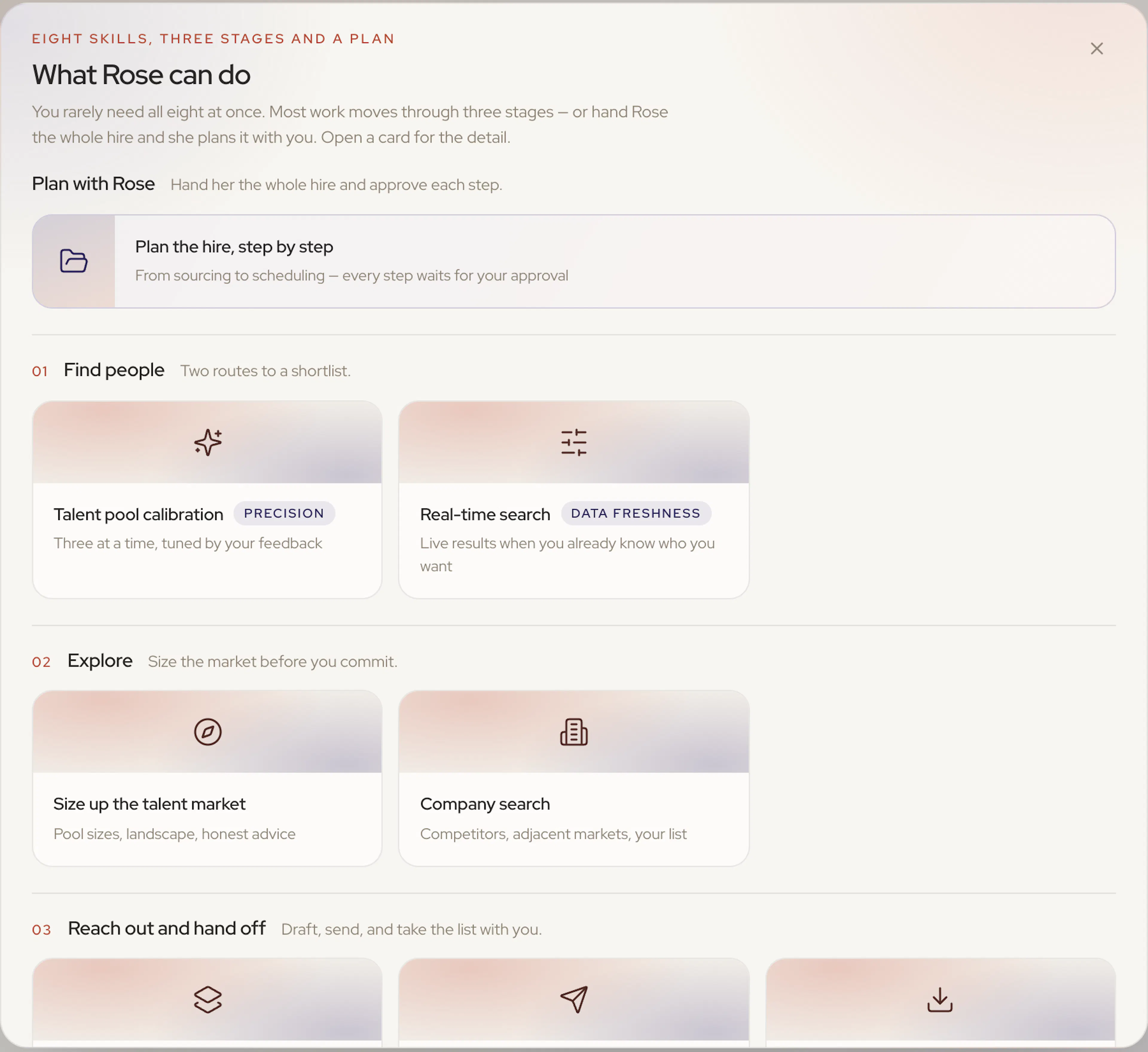
Plan with Rose
| Skill | What it does | Try |
|---|---|---|
| Plan the hire, step by step | Turns a role into a step-by-step plan and runs it with you — every step waits for your approval before it moves. | “Plan the hire for a senior product designer in Lisbon” |
Find people
Two routes to a shortlist.
| Skill | What it does | Try |
|---|---|---|
| Talent pool calibration | Describe the person you're after and Rose brings back three at a time. Mark each a good match or not — and say why — and the next three come back tuned to that. See Calibration. | “Find me engineers who've actually built card-issuing infrastructure” |
| Real-time search | When you already know exactly who you want — named companies, a specific title, a fixed list — Rose searches live and groups the results into named clusters. | “Search Stripe, Adyen and Checkout.com for senior backend engineers” |
Explore
| Skill | What it does | Try |
|---|---|---|
| Size up the talent market | Sizes talent pools, maps the company landscape, and gives honest strategy advice before you commit to anything. | “How deep is the ML-infra talent pool in Paris?” |
| Company search | Describe the kind of company you want to hire out of and Rose finds them — competitors, adjacent markets — then sources from the ones you pick. | “Find me companies like Ramp, then source product engineers from them” |
Reach out and hand off
| Skill | What it does |
|---|---|
| Draft the outreach emails | Turns a role or job description into a draft outreach sequence — every field and email editable, with spam-word checks before anything sends. |
| Launch and run the campaign | Adds or trims candidates, sets the send schedule and reply handling, walks you through approval, and launches. See Launching a Project. |
| Export candidates to a spreadsheet | Pulls a project's candidates into a spreadsheet — everyone, or just the ones you name. Rose tells you the cost and who's missing an email or phone before you commit. |
Was this page helpful?